
Board Game Guru
Know your games!
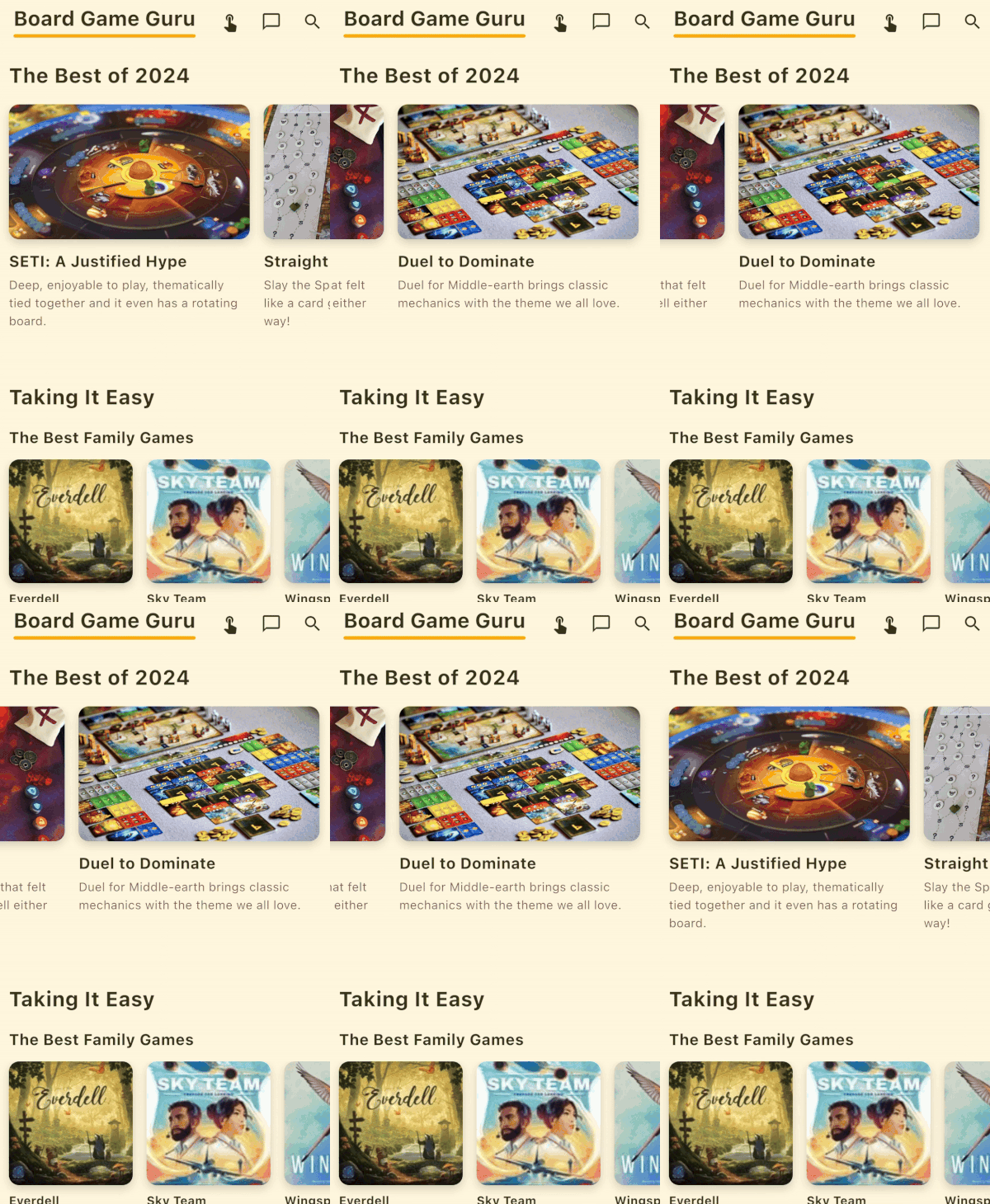
New strategies, always
The Guru constantly evolves and brings updates for your games.
Learn to play better
Discover winning paths and avoid common pitfalls.
Start without improvising
Creative and quick tools to pick the first player.
Your collection comes alive
Import your BGG collection and see strategies for each game.
Why do I need the Guru?
Ever bought an amazing game, played it twice… and then it sat forgotten on the shelf?
Board Game Guru helps you go beyond the first playthrough. It brings together strategies, tips, and deeper insights for the games you already own, showing you how to get more out of every title.
Instead of buying more games, you'll get more value and fun from your own collection, turning every session into a fresh experience.

Built in Brazil by people who LOVE games.
Bruno and Murilo met at a board game event over ten years ago, and have shared the same passion ever since. From that friendship and countless game nights, Board Game Guru was born — a project created to change the way people discover and enjoy their games.
All the experience gathered through years of conversations, research, and fun has become this tool they now want to share with the world.
Downloading and using Board Game Guru is free.
On the Free plan you get:
- The Guru's strategic insights for hundreds of games;
- Tools to pick the first player;
- Import of your Ludopedia and BGG collections;
- Game exploration with advanced filters;
- Versus, the tool to compare games and build Rankings, using free sources (such as the Guru's featured picks and your Favorites);
- Oraculum, the tool that suggests the ideal game for each group, using free sources (such as games with available strategies and your Favorites).
It's the way to get to know the Guru at no cost.
Premium unlocks the app completely:
- Audio library — and new audios as we publish them;
- Oraculum powered by your own collection (BGG / Ludopedia) and by other players' collections;
- Versus across your full collection (and sub-categories);
- All future Premium features, already included.
There are Monthly, Annual and Lifetime (one-time payment) plans.
Current prices are shown on the plans screen, inside the app.
Three ways to get Premium:
- Monthly: a recurring subscription, billed month to month, with automatic renewal. Most flexibility and least commitment — cancel anytime.
- Annual: a recurring subscription billed once a year. Cheaper per month than Monthly, for those who already know they'll use it for a while. Also renews automatically.
- Lifetime: a one-time payment, with no renewal or monthly fee. Grants lifetime access to all Premium features, current and future.
Current prices are shown on the plans screen, inside the app.
You keep Premium access until the end of the period you've already paid for. Cancelling only stops the next renewal.
After that, your account automatically returns to the Free plan.
Nothing is lost: your Favorites, history and data stay in place; you simply lose the Premium features (which come back if you subscribe again).
Cancellation is done in your App Store (iPhone) or Google Play (Android) account, not in the app.
Cancellation is done directly in the store where you subscribed — in the subscriptions area of your App Store (iPhone) or Google Play (Android) account.
The Guru doesn't process cancellation within the app.
When you cancel, you keep Premium until the end of the period you've already paid for.
No. Your Favorites, Rankings, history and all of your data stay saved in your account.
Going back to Free only removes access to the Premium features — nothing is deleted, and everything returns if you subscribe again.
Yes. Your Premium is tied to your Guru account (the same email).
When you sign in with the same email on another device — iPhone or Android — the app automatically recognizes your Premium status, with no need to pay again.
Yes. On the plans screen, tap "Restore purchases" — the app recognizes the purchase linked to the email of your store account (App Store or Google Play) and reactivates Premium.
Important: the purchase is tied to the store account where it was made, and at any given time it applies to one active account.
Even so, your Premium status is linked to your Guru account: when you sign in with the same email on another device, the app recognizes Premium automatically, even on another platform.
If you were an early adopter, your Premium Lifetime is linked to your email and cannot be transferred.
It's a one-time payment that grants access to all Premium features — current and every one we launch in the future — with no monthly fee or renewal.
"Lifetime" means access for as long as the Board Game Guru service is available.
Anyone who was already a user during the Guru's paid phase gets Premium Lifetime for free — lifetime access to all Premium features, current and future, at no charge.
This benefit is permanent and is not removed.
To check, open the app and look at the subscription box in your Profile: it should show "Premium Lifetime".
If you were a longtime user and don't see it, use the Restore option on the plans screen. If the problem persists, send us a message in the app via "Contact the Guru" or reach support by email.
The Free plan is already your way to try it out: all features are available on it, though some in a limited form.
That way you can get to know the whole app before deciding to subscribe.
Check out the "Bonus Content" tool on the Toolkit screen.
If you received a promo code, open the app, go to your Profile and enter the code in the redeem field.
Depending on the code, it unlocks free resources (such as audios) and/or external catalogs that become available on the Lists screen and as a source in Oraculum and Versus.
Each code can be redeemed once, and the unlock is saved to your account.
Download now!